

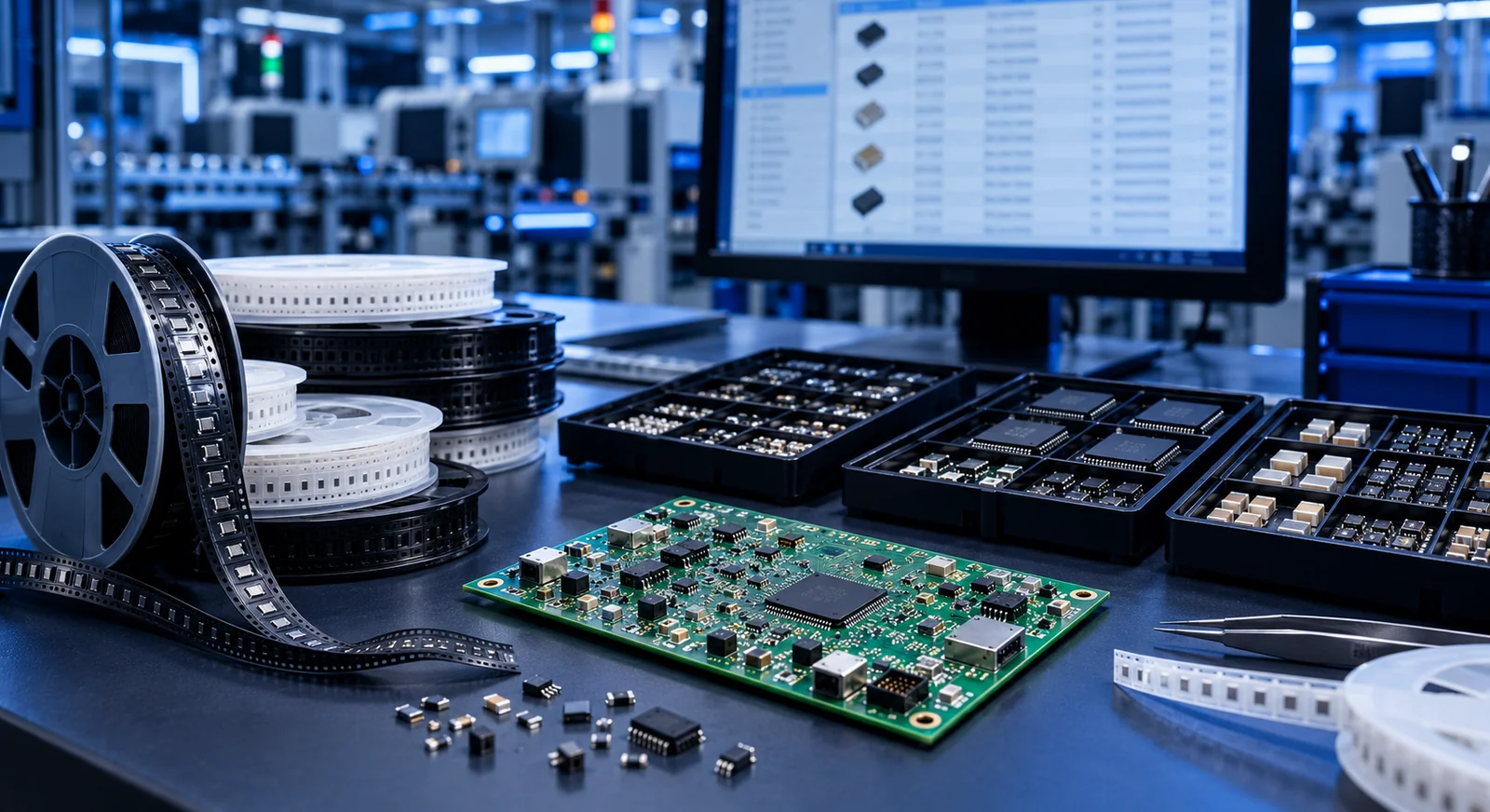
1. Identify the product, revision and variant
A bill of materials lists the items needed to manufacture or assemble a product. Begin by defining its scope. Does this document cover only components fitted to the PCB, or also cables, heatsinks, screws and the enclosure? State that boundary explicitly.
Include a board code, revision, product variant, document owner and approval date. A standard model and a communications model may share one PCB while using different fitted components. Represent the difference explicitly instead of describing it verbally. For example, if a transceiver is fitted only to model B, model A must show the intended non-fitted status clearly.
2. Create columns that identify the actual part
A manufacturer part number, or MPN, is different from a distributor stock code. The manufacturer and complete MPN identify the approved item; a supplier code identifies its listing through a particular sales channel. Keep suffixes intact and verify their meaning in manufacturer documentation. They can distinguish important ordering details, so shortening a code without checking can change the item being purchased.
Store important requirements in explicit fields where they can be compared, rather than burying them in a long general note.
| Field | Example / purpose |
|---|---|
| References | R3, R8: identifies locations on the board |
| Quantity per board | 2: fitted usage on one board |
| Value and requirements | 10 kΩ, 1%, 0.1 W: purchasing criteria |
| Package / footprint | 0603 imperial: physical match |
| Manufacturer and full MPN | Exact approved part identity |
| Assembly status | Fitted / DNP / variant dependent |
| Alternative approval | Permitted codes and review status |
3. Check grouping rules and quantity calculations
Two parts with the same value and package do not necessarily belong on the same purchasing line. A precision input-divider resistor and an LED series resistor might share a nominal resistance while having different tolerance or temperature-coefficient requirements. Grouping by value alone can hide that distinction. Use the approved part identity and its relevant technical requirements as the grouping criteria.
For a simple example, suppose R3 and R8 use the same approved part. The quantity per board is two, so 100 boards need 200 fitted pieces. Setup requirements, expected handling losses, minimum orders and packaging multiples may affect the purchased quantity. Separate net demand, proposed additional material and the final order quantity so the calculation remains understandable for the next production batch.
4. Control alternatives and non-fitted components
Approving an alternative takes more than finding a similar name or matching package. Review pin assignment, electrical limits, timing, temperature range, mechanical dimensions and the function within the actual circuit. A regulator with the same output voltage, for example, may have different stability requirements or enable-pin behaviour.
Replace vague permission such as “equivalent acceptable” with approved alternative codes and the limits of that approval. Keep unreviewed supplier suggestions separate from accepted parts. DNP can identify components that must not be populated; explain whichever abbreviation the project uses. Preserving those references with an explicit status can help reviewers understand that empty positions in the assembly drawing are deliberate, rather than missing from the list accidentally.
5. Connect CAD data to sourcing information carefully
Maintaining component fields in the design software and exporting them can reduce manual reference and quantity errors. KiCad supports configurable BOM output from schematic fields. Altium documentation also describes arranging quantities, references, footprints and manufacturer information in BOM reports. Review the resulting export for missing fields.
Price, stock, lead time and quotation date are different from a part’s permanent design identity. Track them in separate columns or a linked purchasing sheet. Available stock today does not reserve material for a later order. Also review spreadsheet formatting: an application can silently interpret a part number as a date or remove a leading zero. Treat identifier columns as text and compare a few complete codes with their source records after importing.
6. Audit the list before requesting quotations
Imagine a sensor board with 42 distinct purchasing items. A reviewer filters for empty MPNs, then checks for conflicting packages against the same MPN. Next, check for duplicate references and compare the fitted component total with the CAD export. This audit can reveal errors that remain invisible in a price-only review.
Agree whether the recipient needs a readable spreadsheet, a machine-readable CSV file, or both. Merged cells, status communicated only through colour and mandatory conditions hidden in comments all make transfer harder. Keep one clear meaning per field. Assign an owner to unresolved items.
- State the board code, revision and product variant.
- Map every reference to the correct purchasing line once.
- Match complete MPNs, manufacturers and packages.
- Make DNP status and alternative approvals explicit.
- Separate fitted quantities from purchasing quantities.
- Date stock checks and supplier quotations.
Frequently asked questions
Is a BOM the same as a pick-and-place file?
No. A BOM identifies the components and quantities. A placement file describes positions, board sides and rotations. Their references and revisions must agree.
Does every passive component need an exact MPN?
Depending on the sourcing agreement, use an exact MPN or a sufficiently precise purchasing specification. Do not leave an ambiguous value-only row. State who may select equivalents and within which limits.
Can a BOM determine the final manufacturing price?
It is an important input for component costing, but PCB fabrication, setup, assembly, testing, quantities, packaging and logistics also affect the total. Stock and prices need checking at quotation time.
Conclusion and next step
A practical BOM explains the purchased part, its usage and its approval conditions together. Consistent fields and clear revision information provide a shared technical basis for sourcing and assembly preparation.
Let’s review your BOM
For a component sourcing or PCB assembly enquiry, share your BOM, board quantity and alternative-part preferences with RoseVia to clarify the project requirements.
Technical references
The following manufacturer and technical organization documents provide further detail. Use the selected component’s current data sheet for product-specific limits.