

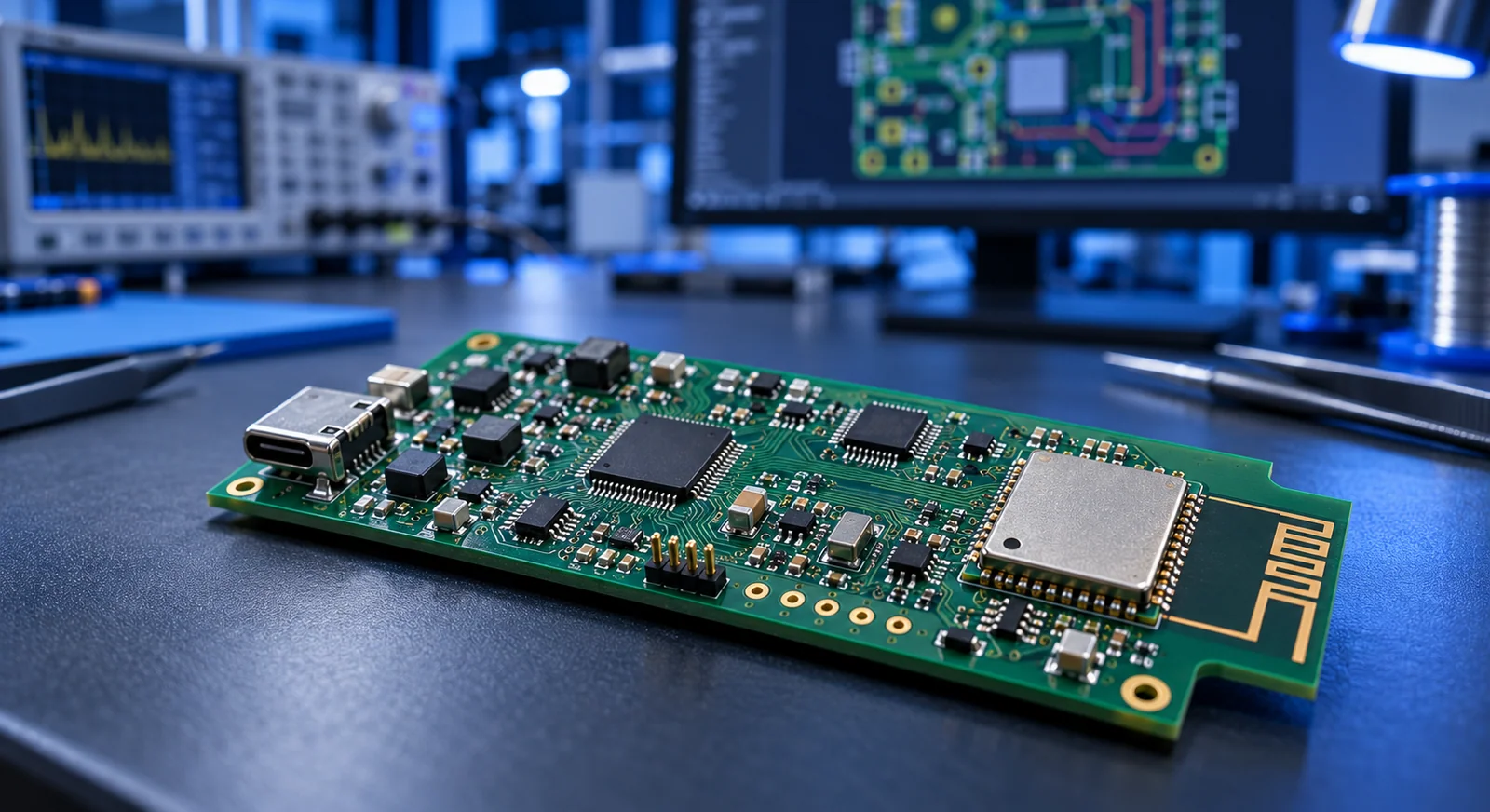
Choose a specific module before drawing the board
ESP32 describes a family rather than one interchangeable part. Device generation, memory option, antenna type and module variant affect pins and layout. Do not assume that a project running on one development board can use the same pin assignment on another module. Record the complete manufacturer part number and the hardware-document revision used for the design.
A module can integrate RF circuitry and some clock or memory components that otherwise require board-level work. A bare SoC design moves more of that responsibility onto your PCB. Compare engineering effort, verification, board area and manufacturing risk alongside component price. For an initial product, a suitable module can provide a more manageable starting point, depending on volume and requirements.
Design for load transients as well as average current
Short wireless current demands can expose a weak supply through resets or unreliable connections. A regulator current rating is only one input: source voltage, transient response, output capacitors and PCB distribution also matter. Take voltage limits and supporting circuitry from the documentation for the selected module rather than carrying values across the entire ESP32 family.
For a battery sensor, create separate budget lines for the module, sensor, regulator and always-on circuitry. Power LEDs, a USB converter and resistor dividers may dominate the intended sleep consumption. Measure the supply at the module during radio activity. A stable voltage at the board connector does not demonstrate the same behavior after a narrow trace, poor return path or unsuitable regulator.
Review the antenna together with the enclosure
With a PCB-antenna module, nearby copper and the mechanical surroundings affect RF behavior. Apply the placement and keepout requirements for the exact antenna and module instead of copying one universal clearance dimension. State which layers and objects the keepout covers in the PCB rules so later routing does not unintentionally occupy the reserved area.
A battery, display cable, metal screw or enclosure can change a successful open-board test. Compare communication with the final housing installed, in the intended orientations and using realistic traffic. An external-antenna variant introduces different decisions about antenna suitability, connector placement and cable routing. Treat these as mechanical and electrical inputs rather than details to resolve after the board outline is frozen.
Make boot, programming and recovery deliberate
Development-board boot buttons, reset support and automatic programming circuitry do not appear automatically on the product board. Check strapping pins and startup requirements for the selected device. Confirm that attached sensors or drivers do not force an incorrect level during power-up. Reviewing GPIO behavior only after the application starts misses the period that decides whether it starts at all.
Choose a programming interface early; native USB and UART capabilities differ between variants. Provide fixture-accessible pads, a recovery path and useful diagnostic output. Consider whether service access is required after enclosure assembly. A product that cannot enter recovery without destructive disassembly can turn a modest firmware issue into an expensive repair. Verify erase and reprogramming before accepting the first revision.
| Ready on the prototype | Custom-board decision | First verification |
|---|---|---|
| USB programming | UART, native USB or fixture | Erase and program again |
| Voltage regulator | Input range and load response | Measure during radio activity |
| Boot and reset support | Pin levels and timing | Repeated startup and recovery |
Include identity and manufacturing tests in the design
Associate firmware version, PCB revision and production test result with a serial number. Prepare controlled credential and configuration provisioning rather than copying a shared development file. Keep sensitive values out of production logs and define how failed units are handled.
A manufacturing test should check essential inputs, outputs, memory access and communication within a practical fixture cycle. Record which measurement failed rather than returning only a generic failure flag. Exercise update and recovery scenarios too. An interrupted update may appear long after the first demonstration, yet its behavior can determine whether a deployed unit is recoverable.
Turn validation into measurable acceptance criteria
Do not make “Wi-Fi connected” the only acceptance criterion. Specify startup at minimum input voltage, operating current, sleep current, temperature and reconnection behavior for the application. Record instruments and test conditions so future revisions can be compared. A capacitor, regulator or module substitution should have an explicit reason and a suitable repeat check rather than being treated as automatically equivalent.
A module certificate does not automatically cover every requirement of the finished product. Antenna integration, enclosure, power and other circuitry affect the complete device. Review product-level requirements for the intended market and environment. Keeping PCB, firmware, mechanics and verification under one product definition makes the transition a controlled development process instead of merely replacing a large development board with a smaller one.
- Freeze the full module code, memory option and antenna type.
- Provide fixture access to programming and key measurement points.
- Repeat power, communication and startup tests in the closed enclosure.
Frequently asked questions
Is copying the development-board schematic enough?
It is a useful reference, but the input supply, mechanics, connected circuitry and manufacturing tests must be reviewed for the actual product.
Is antenna clearance identical for every ESP32 module?
No. Antenna type, module family and placement matter. Use the current placement and keepout requirements for the exact selected component.
Does a certified module complete product compliance?
Not automatically. Check the scope and integration conditions of the module documents alongside the requirements of the final product and intended market.
Conclusion and next step
A custom ESP32 PCB turns ready-made prototype functions into explicit product decisions. Planning power, antenna integration, startup and test access together creates a clearer path from the first revision to repeatable production.
Discuss Your ESP32 Product Idea
Technical references
The following manufacturer and technical organization documents provide further detail. Use the selected component’s current data sheet for product-specific limits.